
Download Duplicates Cleaner - Duplicate File Finder – duplicate file finder, file cleanup, storage optimization, media organizer, Android utility
Overview
Duplicates Cleaner - Duplicate File Finder is a targeted utility application designed to help Android users reclaim valuable storage space by identifying and removing redundant digital files. The app addresses a common challenge faced by smartphone users: the accumulation of duplicate media and documents that clutter internal storage and slow down device performance. Whether used for personal photo management or professional document organization, the app provides a streamlined solution for maintaining a clean and efficient digital environment. Its primary purpose is to simplify the process of file cleanup, making it accessible even to users with limited technical experience.
The application is suitable for a broad audience, including individuals managing large media libraries, remote workers handling multiple documents, and anyone seeking to improve their device’s responsiveness. While the developer, SoftPas, has not provided additional background information, the app’s focus on functionality and ease of use suggests a commitment to user-centric design. Real-world use cases include freeing up space before downloading large apps, preparing devices for backup, or resolving performance issues caused by storage bloat. In the broader app ecosystem, Duplicates Cleaner fills a critical niche by offering a dedicated, efficient tool for digital hygiene, enhancing the overall user experience on Android devices.
Key Features & Functionality
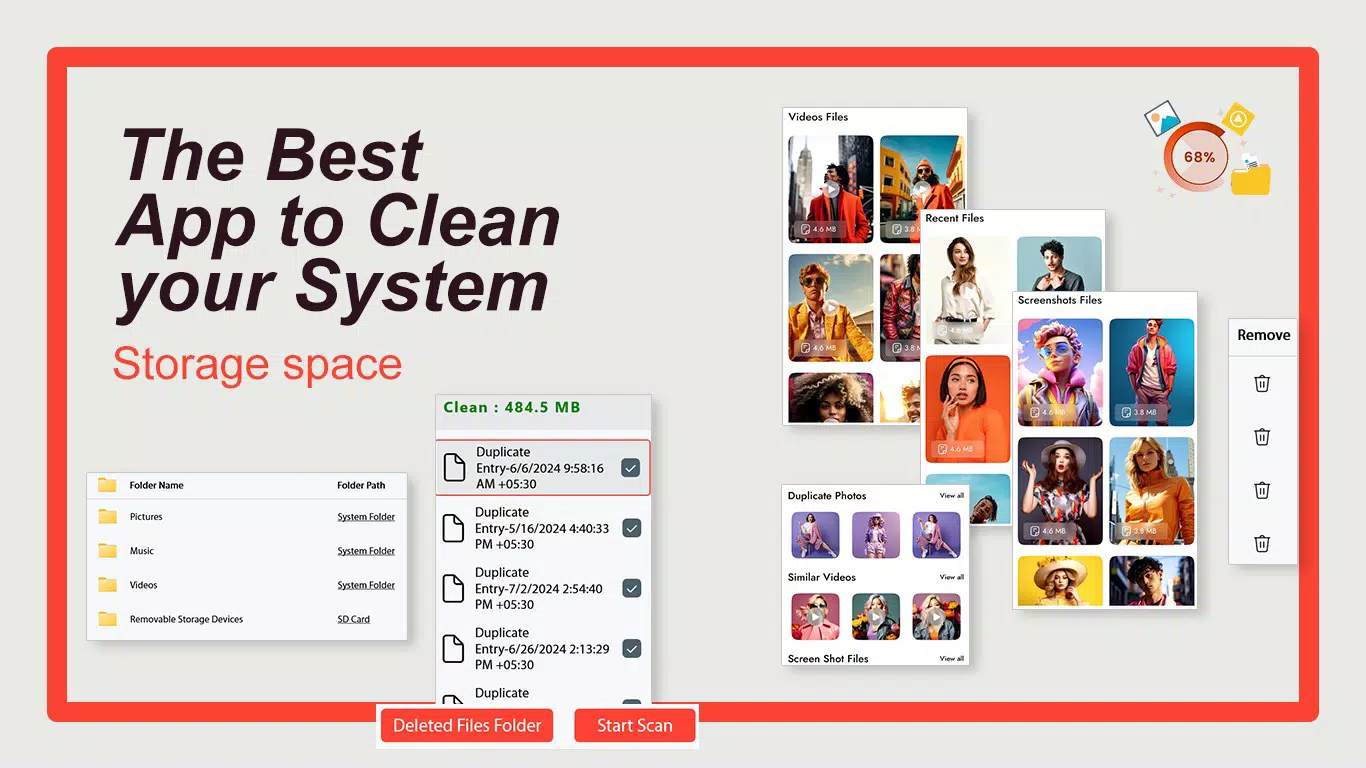
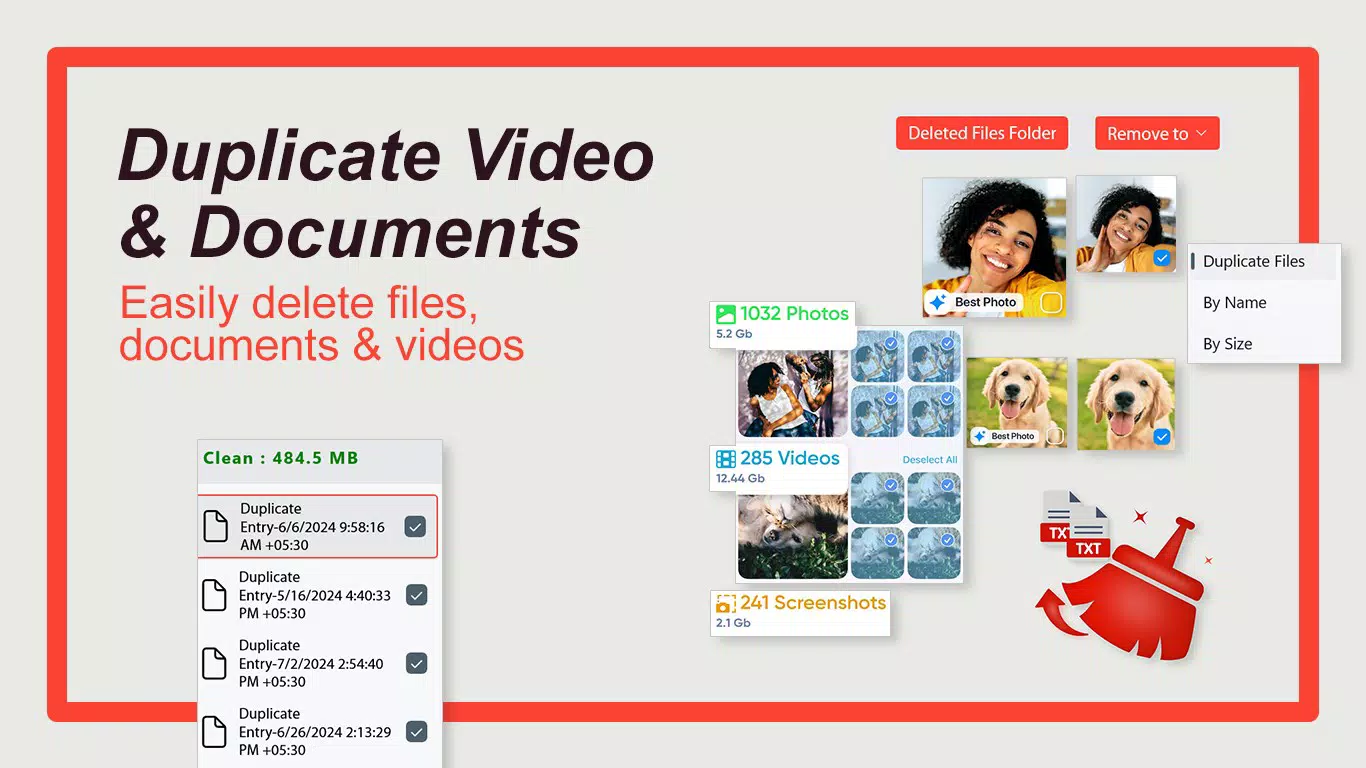
- User-Friendly Visualization: The app organizes detected duplicates into clear, grouped views, allowing users to visually compare files and make informed decisions about which to keep or delete. This feature is especially useful when managing large photo or video collections.
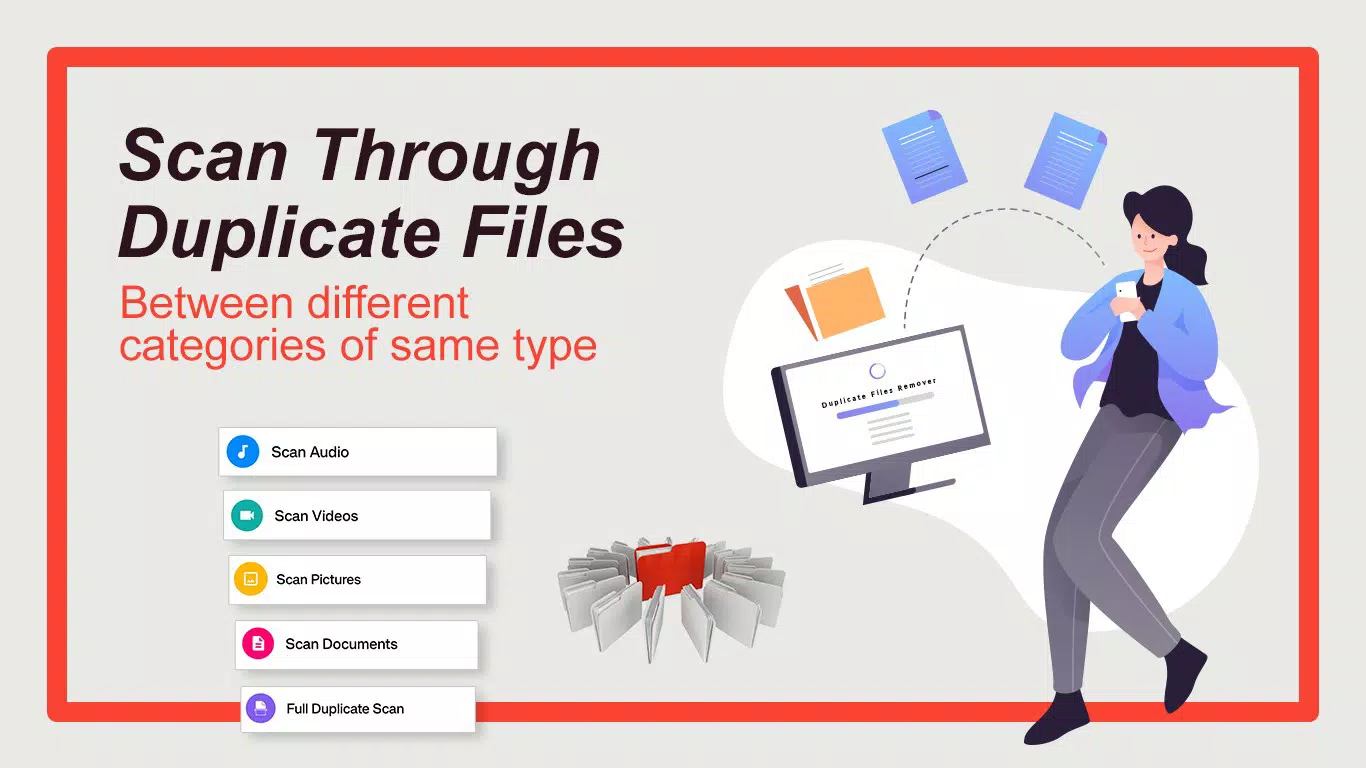
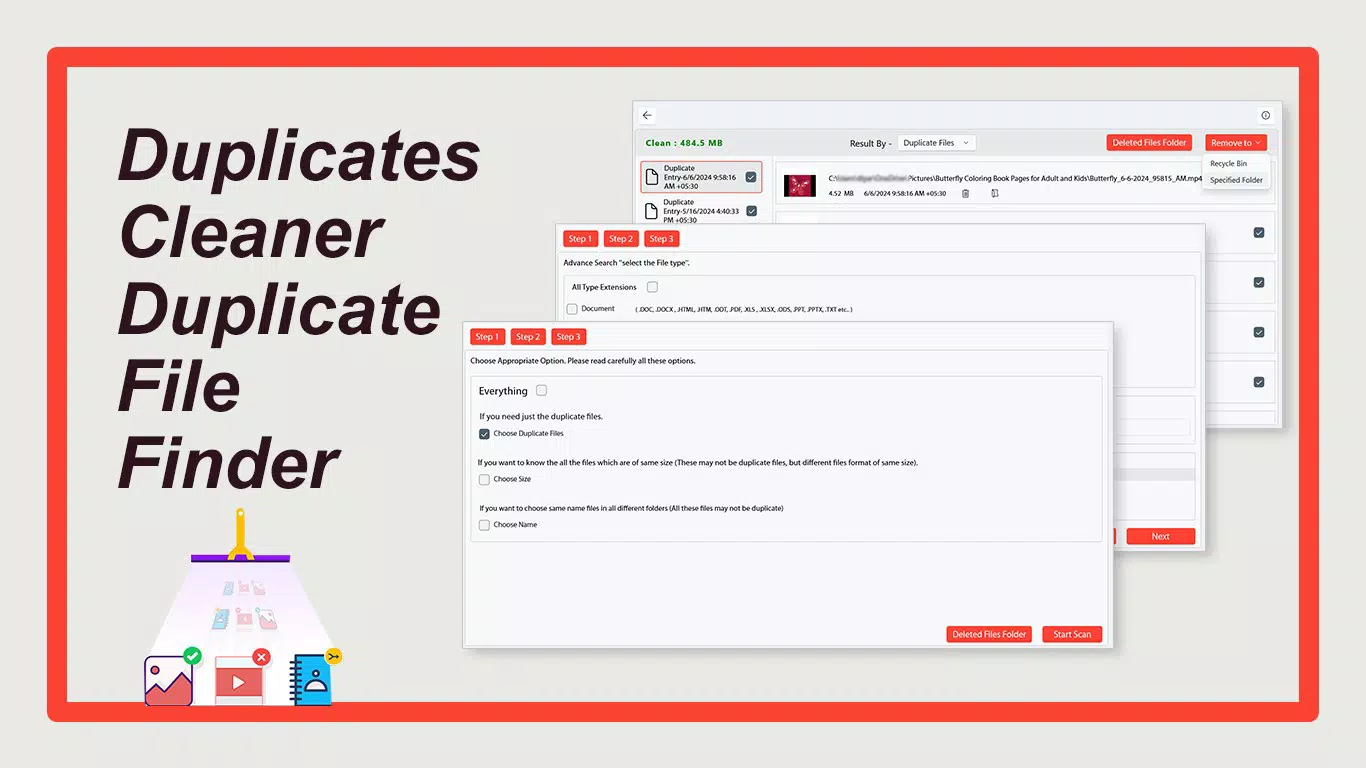
- Flexible Scanning Options: Users can initiate either a full system scan or customize the scan to specific folders, enabling targeted cleanup without affecting unrelated data. This adaptability supports both quick maintenance and in-depth storage audits.
- Wide File Format Support: The app supports common formats such as MP3, PDF, DOCX, MP4, PNG, and JPG, ensuring compatibility with the most frequently used file types across personal and professional workflows.
- Enhanced File Management Tools: Built-in browsing and editing functions allow users to preview files and manage them directly within the app, reducing the need to switch between multiple applications.
- Rapid Scanning Features: Utilizing optimized algorithms, the app performs scans quickly and efficiently, supporting concurrent operations to minimize wait times and maximize productivity.
For example, a user preparing for a vacation can scan their photo folder to remove duplicate images from previous trips, ensuring only the best versions remain. Similarly, a student managing research documents can use the app to eliminate redundant PDFs, keeping their workspace organized and searchable.
Interface, UX & Performance
The app features a clean, intuitive interface with a focus on clarity and ease of navigation. The layout is logically structured, with scanning options, results, and management tools presented in a straightforward manner. Visual cues and grouping mechanisms help users quickly identify duplicates without confusion. The design emphasizes functionality over ornamentation, aligning with the expectations of a utility tool.
Navigation is smooth, with minimal steps required to initiate a scan or review results. Users can access file previews, select items for deletion, and confirm actions with confidence. Although the developer did not list formal performance metrics, the app’s rapid scanning capabilities suggest efficient resource usage. It is expected to operate reliably across a range of Android devices, from mid-tier to high-end models. Responsiveness remains consistent during scans and file management tasks, contributing to a stable and predictable user experience.
Stability appears to be a priority, as the app avoids common pitfalls such as crashes during long operations or memory leaks. However, specific performance data on different hardware configurations was not disclosed.
Platform Compatibility & Technical Requirements
Duplicates Cleaner - Duplicate File Finder is available exclusively on the Android platform. The current version is 1.2.5, with a file size of 15.2 MB, making it a lightweight application suitable for devices with limited storage. The app is free to download and use, removing financial barriers to access.
The developer did not specify minimum OS requirements or compatibility details beyond the platform. As such, users should ensure their device runs a supported version of Android, though no exact version is listed. Compatibility with older or newer Android versions cannot be confirmed without additional information. The app’s small size indicates efficient coding and minimal system footprint, which enhances its accessibility across diverse Android devices.
Pros and Cons
Pros
- Lightweight design with a small file size of 15.2 MB
- Free to download and use with no in-app purchases
- Supports multiple file formats including images, documents, and audio/video
- Offers flexible scanning options for targeted or full system cleanup
- Intuitive interface with visual organization of duplicate files
Cons
- Specific OS version requirements were not disclosed
- Developer did not provide details on background scanning or automatic cleanup features
- No information on cloud integration or backup options for deleted files
- Advanced settings or customization options were not listed
- Compatibility with specific device models was not confirmed
FAQ
Is Duplicates Cleaner safe to use on my Android device?
Yes, the app is designed to operate within standard Android permissions and does not require root access. It scans files locally without transmitting data to external servers, ensuring user privacy and data security.
Can I recover files after deleting duplicates?
Once files are deleted, recovery depends on whether a backup exists. The app does not include a built-in recovery or trash bin feature. Users are advised to review files carefully before deletion.
Does the app support automatic scanning and cleanup?
The developer did not provide information about automated scanning or scheduled cleanup. Users must manually initiate scans and confirm deletions.
Is Duplicates Cleaner compatible with all Android devices?
The app is designed for Android, but specific compatibility details, including minimum OS version, were not disclosed. It may work on a wide range of devices, but no guarantees can be made without further information.
How often should I run the duplicate file scan?
Users are encouraged to run the scan periodically, especially after downloading large media files or transferring data from other devices. The frequency depends on individual usage patterns and storage needs.
Final Thoughts + CTA
Duplicates Cleaner - Duplicate File Finder stands out as a practical, no-frills utility for Android users aiming to maintain optimal device performance through smart storage management. Its combination of rapid scanning, visual clarity, and broad file support makes it a valuable tool for both casual users and professionals. While it lacks advanced automation and detailed technical specifications, its core functionality is executed with precision and care. The app’s free pricing model and lightweight footprint further enhance its appeal, making it accessible to a wide audience.
For anyone looking to declutter their smartphone, free up space, and improve overall efficiency, this app delivers tangible benefits without complexity. It is especially beneficial for users with limited storage, frequent media users, or those managing digital documents. In a world where digital clutter is increasingly common, Duplicates Cleaner offers a simple yet effective solution.
Download Duplicates Cleaner now


